
"Black Pearl Treasure" by Domenico Selvarolo
3Dtutorials.sk recommendation:
To maximise the realism of your 3D rendering we recommend using high quality photo textures from the #1 texture website www.environment-textures.com
1
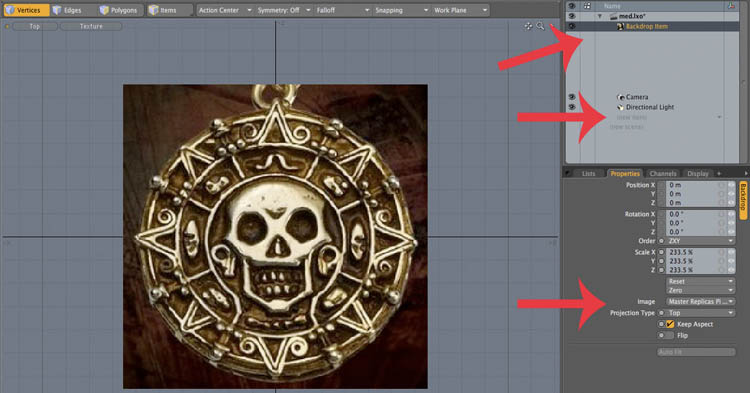
-In top view create a backdrop item – set top in projectio type and choose reference image
in “image”…. The image found with google.
2
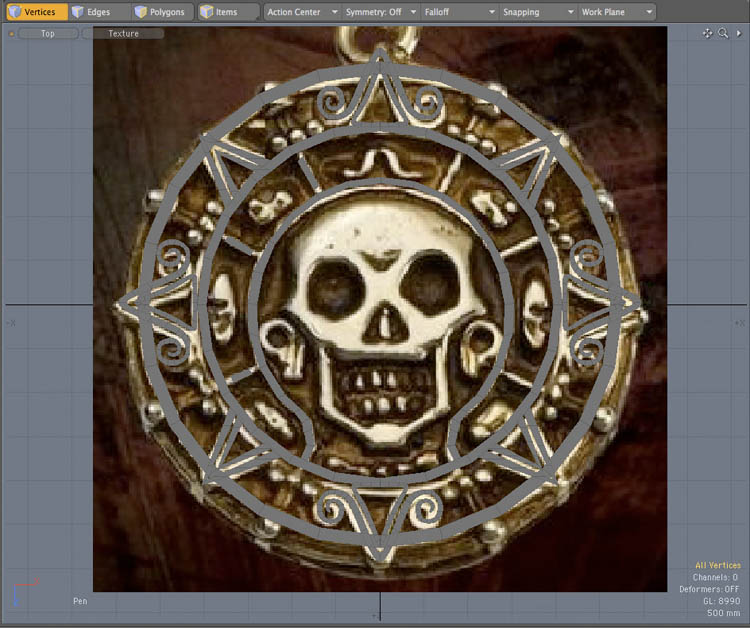
-Start modeling with pen tool… Set make quads option.

3
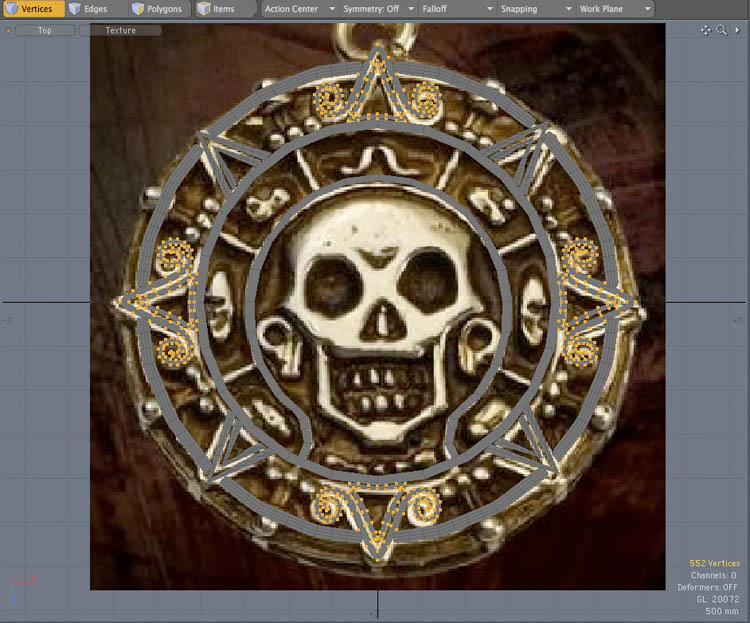
-Follow the reference image lines.
-Adjust the shape by the vertices.
-Assign a topology to the skull.



its modo 😉
http://www.luxology.com/modo/
if you want to know what software is used in each tutorial, just check out the tags. 🙂
lol good question 😉 >>>> at least writhe what software the tutorial is made off grrr
hi, what program did you use to modelate it? i had never seen this one and it is really good, please answer me to my mail… estban18@hotmail.com
thanks from argentina